Store Connect Management
Turn your Mac into a complete release studio
Design screenshots, edit and translate multilingual metadata on one Mac, then sync everything through your own App Store Connect API — no more browser tabs and spreadsheets.
- 46 built-in templates
- 19 App Store categories
- 13 UI languages
- Free download · No subscription
What it can do
Four jobs for indie developers: beautiful screenshots, clear copy, every language, and a smooth release.
Screenshot Studio
A what-you-see canvas with drag, resize and rotate, plus precise numeric controls.
Built-in Templates
46 sets across 19 categories, from gradient and solid designs to illustration backdrops.
Metadata & Sync
Multilingual metadata editing, direct App Store Connect sync via your own API key.
On-device Translation
Powered by Apple’s Translation framework — free, unmetered, nothing leaves your Mac.
Screenshot Studio
Polish every store screenshot like a designer: intuitive canvas plus pixel-level controls.
Canvas & Screenshot Slots
Drag screenshots into place; fine-tune X/Y offsets, rotation and size, with quick center and reset.
Flexible Typography
Edit headline and subtitle on every page — size, weight, color and alignment.
Magnifier Lens
Square, circle or ellipse lens with up to 10x zoom to spotlight the details.
Device Frames
Realistic iPhone and iPad frames in official Apple finishes.
Cross-page Storytelling
Span a single screenshot across two adjacent panels for continuous storytelling.
Export Every Size
Export at the exact resolutions App Store Connect requires, for every device.
Template System
46 built-in sets are just the start: customize any of them and save as your own reusable templates.
System Templates
Gradient, solid and starry-dots design series plus category illustration sets — 5 pages each.
Editable Defaults
Tweak layout, slots, texts and styles per device class — edits apply instantly.
My Templates
Save your own sets and reuse them across apps; deleting one frees its slot.
One-click Apply
Pick a screenshot list and it fills every matching platform and language layer.
Portrait & Landscape
Landscape variants are generated automatically, editable and exportable on their own.
Custom Assets
Upload PNG/SVG assets to decorate templates — saved alongside them.
Direct App Store Connect Sync
Connect with your own API key and push metadata, screenshots and review info — no third-party servers in between.
Your Own API Key
Key ID, Issuer ID and .p8 key stored only in the macOS Keychain, talking straight to Apple.
App Management
Browse every app in your account; unlock apps with slots that never expire.
Metadata Editing
Promotional text, description, what’s new, keywords, copyright and URLs — per locale, with live character counts.
Screenshot Upload
Push rendered screenshots to the right localizations and reorder them.
Review Information
Manage review notes, contacts and demo accounts in one place.
IAP & Subscriptions
Localize in-app purchase names/descriptions and subscription group names too.
Multilingual Translation
Powered by Apple’s Translation framework on your Mac — free, unmetered, your copy never leaves the device.
One-tap What’s New
Auto-detects every locale your app already has on App Store Connect and translates to all of them.
Metadata in Every Locale
Descriptions, keywords and promotional text per locale, with translations filled in for you.
Template Copy Translation
Translate template headlines and subtitles in one tap — ready for localized screenshot sets.
13 UI Languages
Simplified Chinese, English, Japanese, Korean, French, German, Russian, Spanish, Italian, Portuguese, Vietnamese, Thai and Arabic.
Built-in Template Gallery
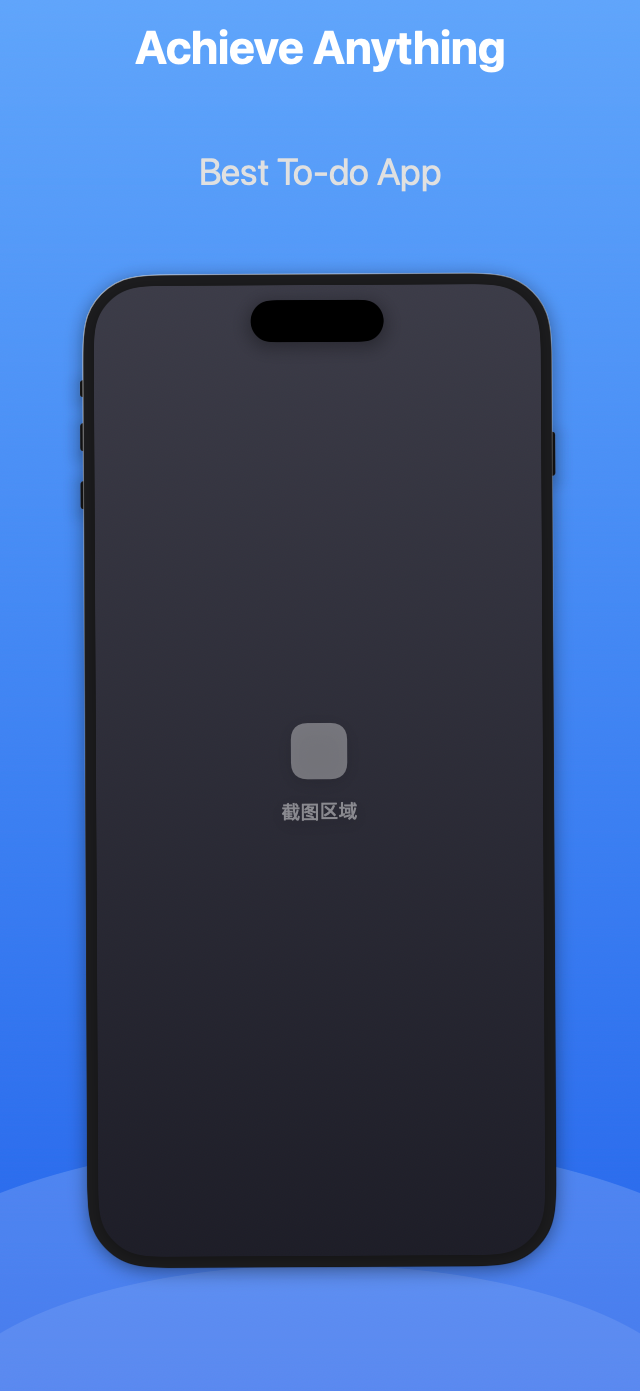
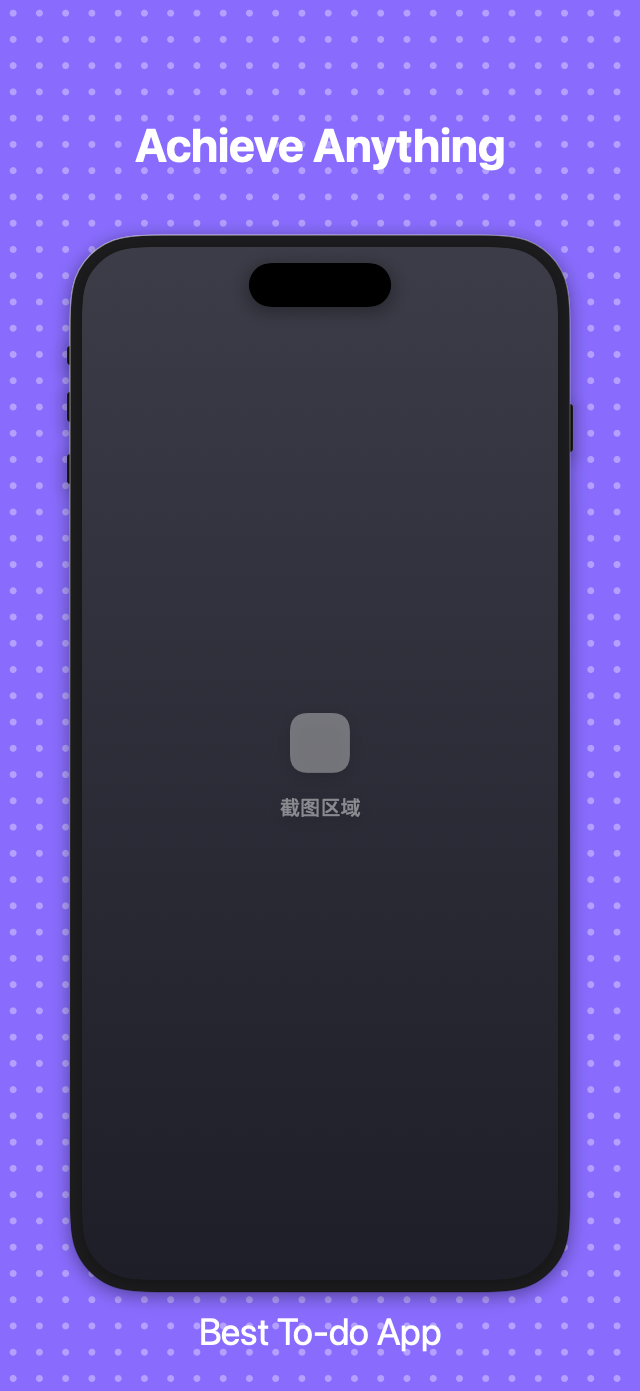
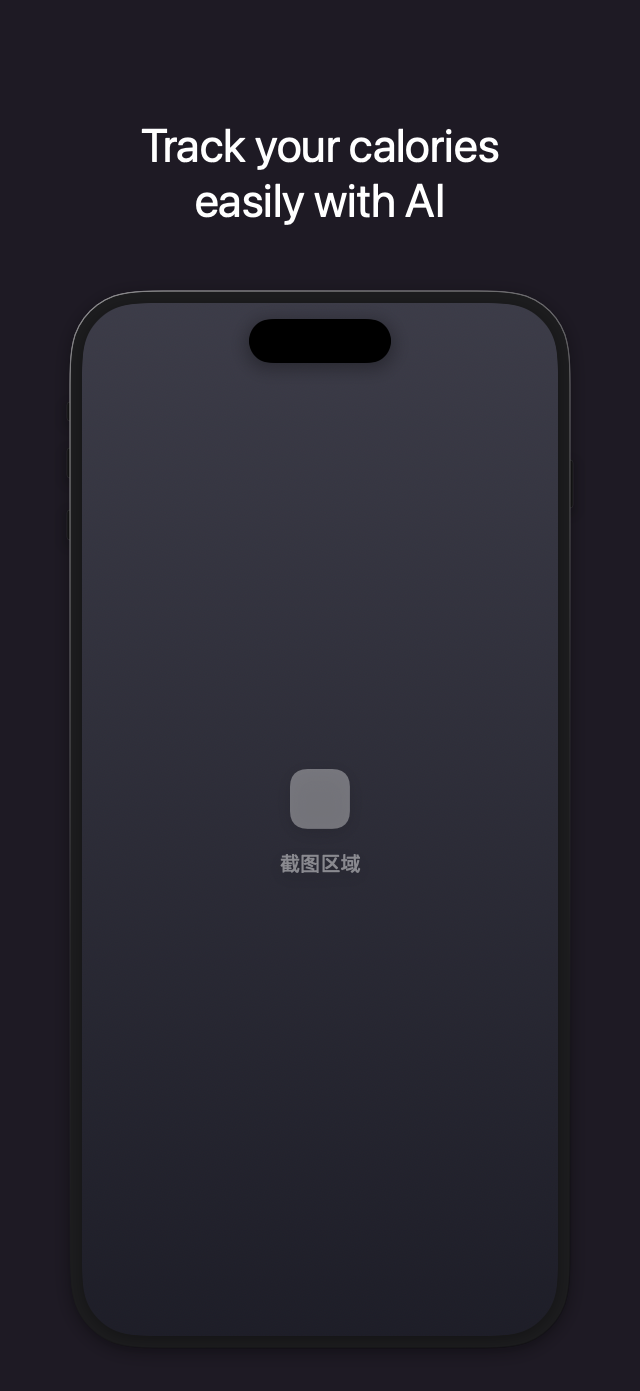
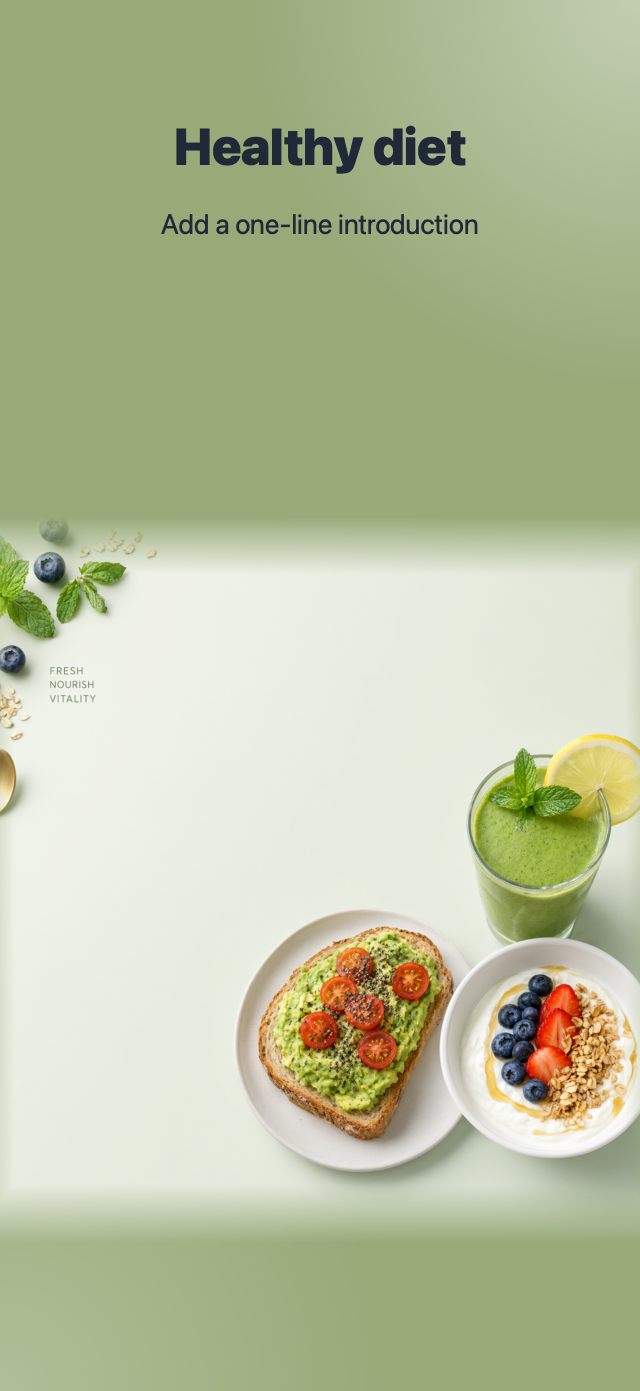
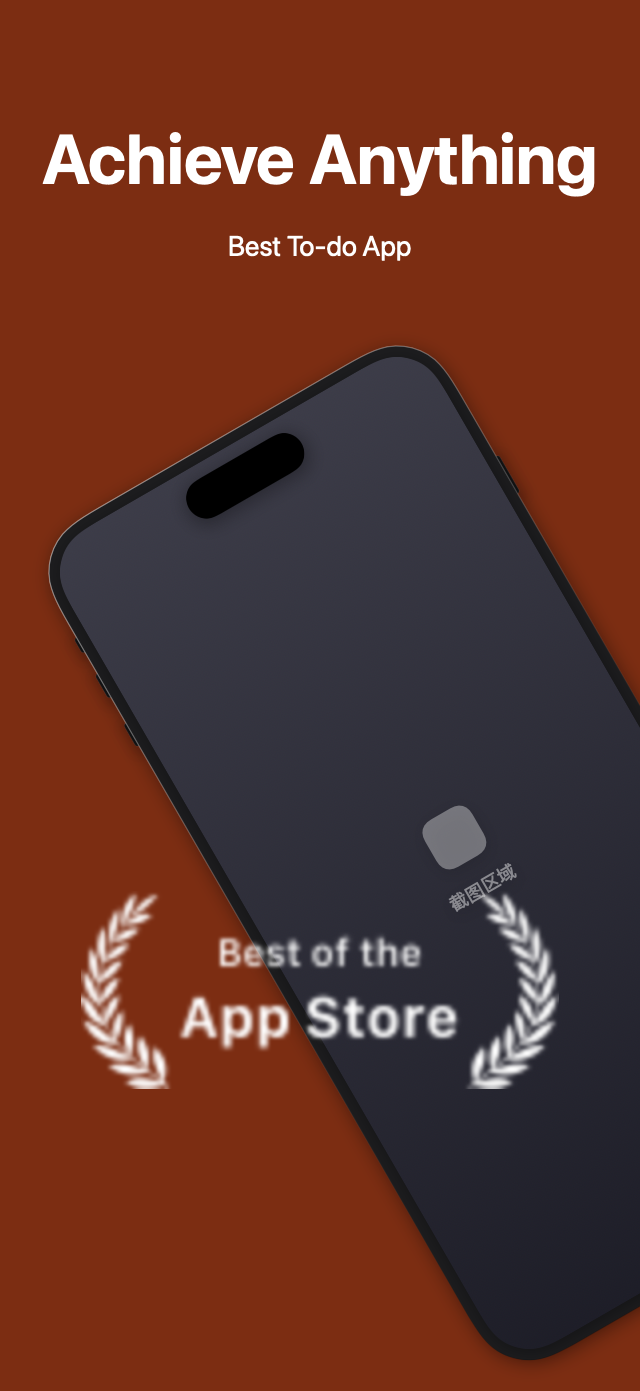
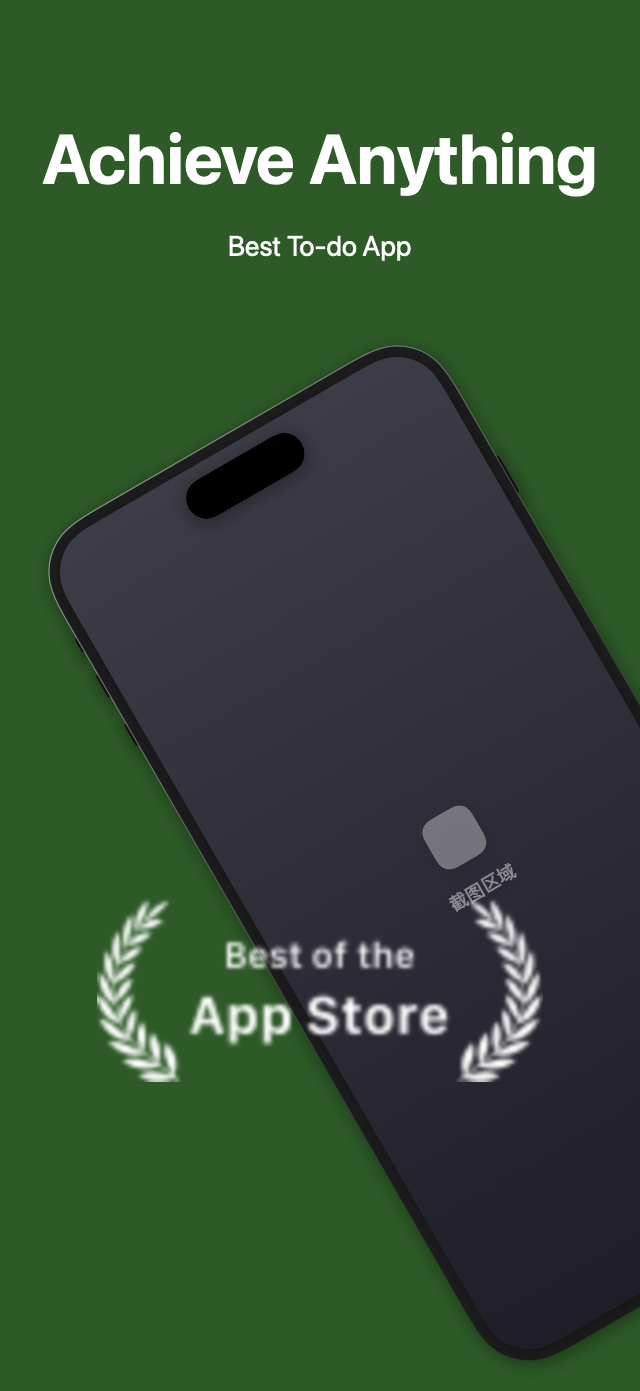
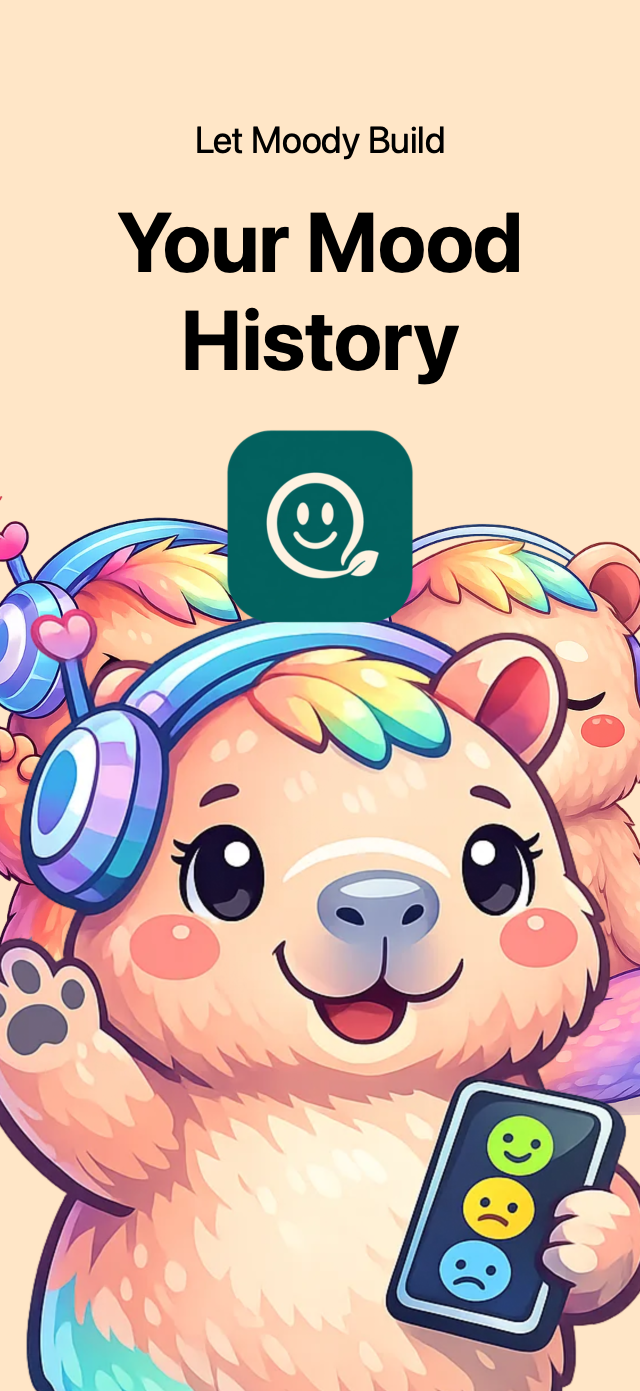
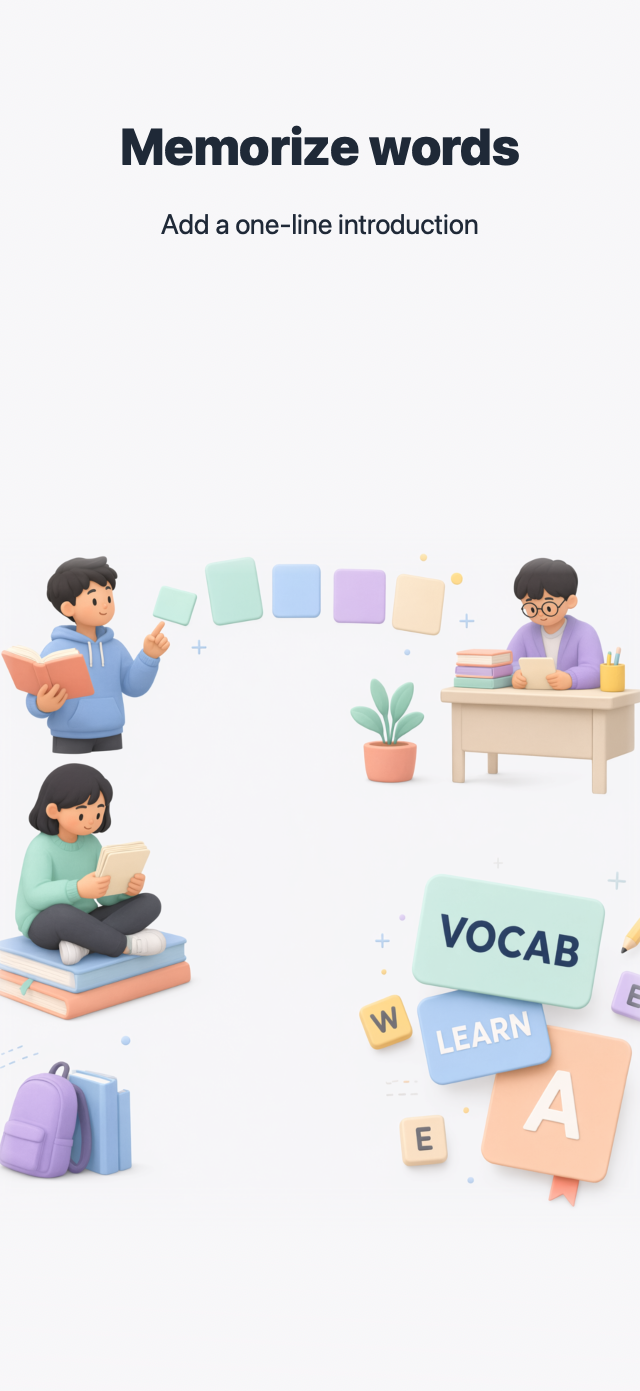
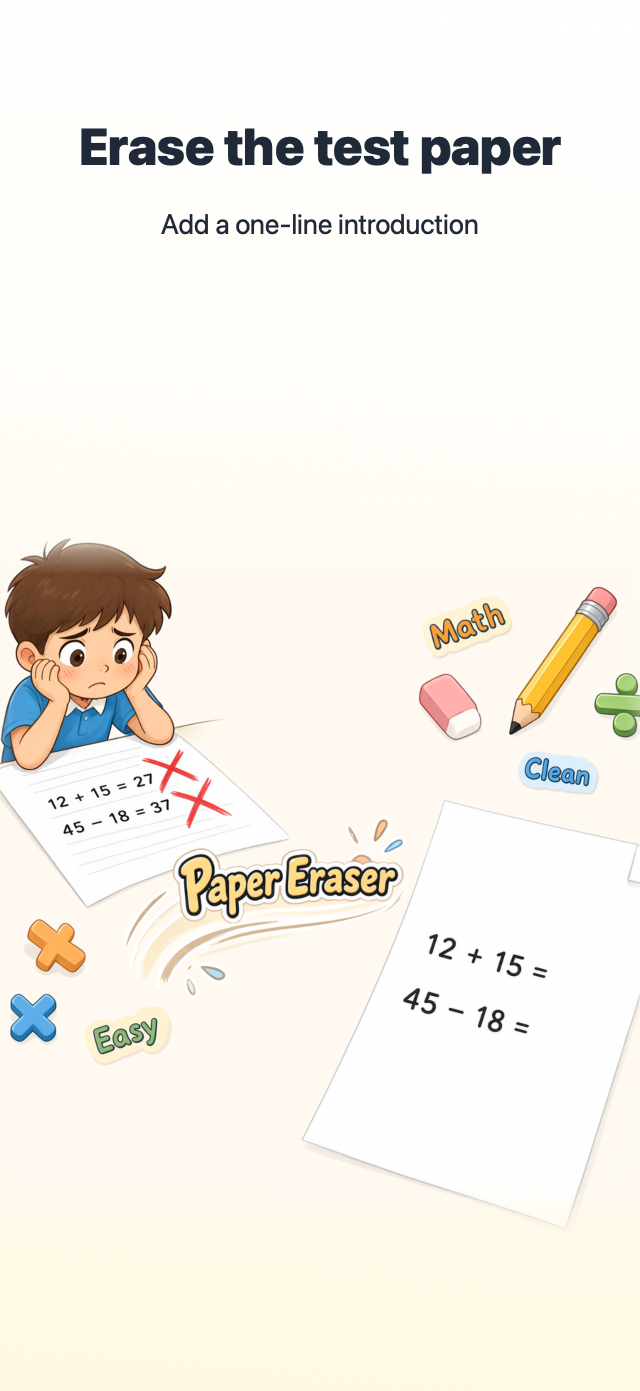
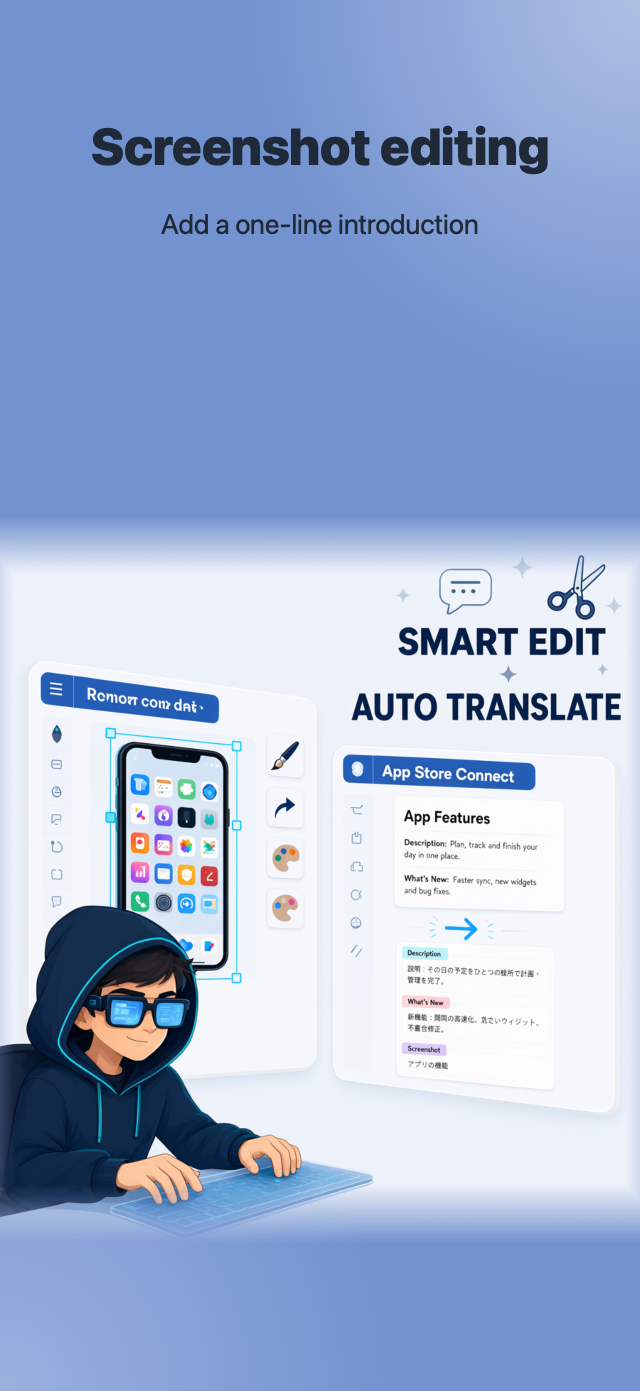
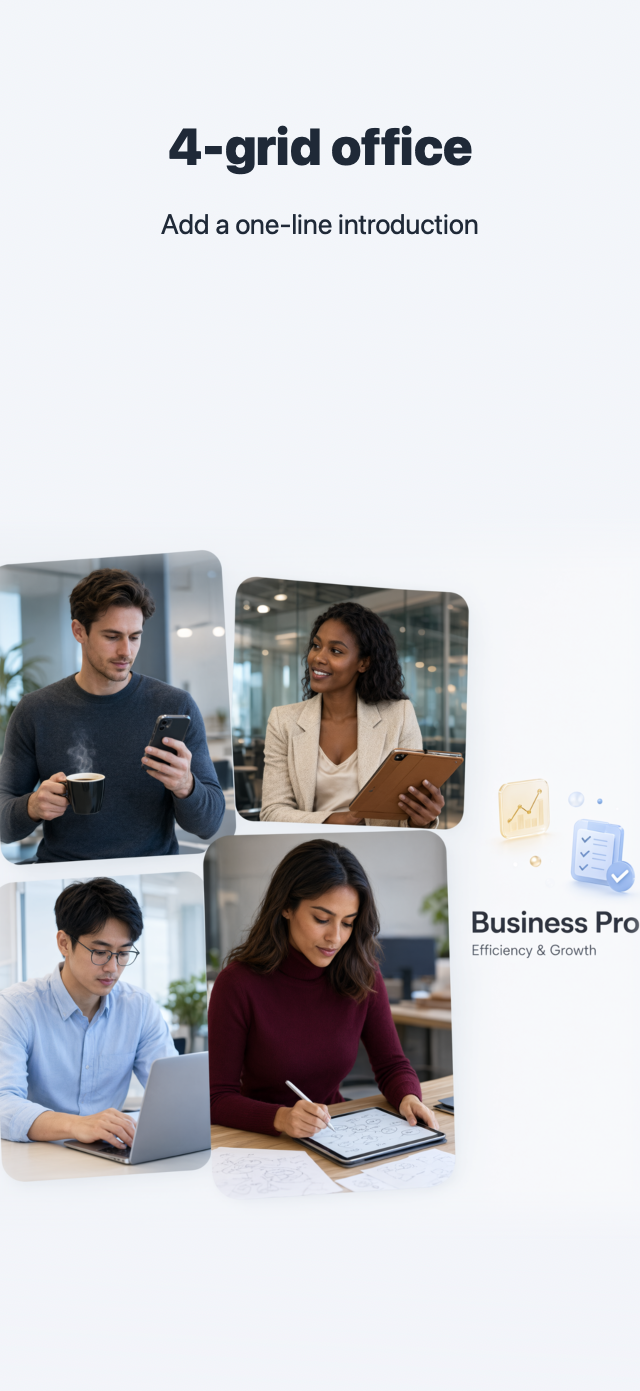
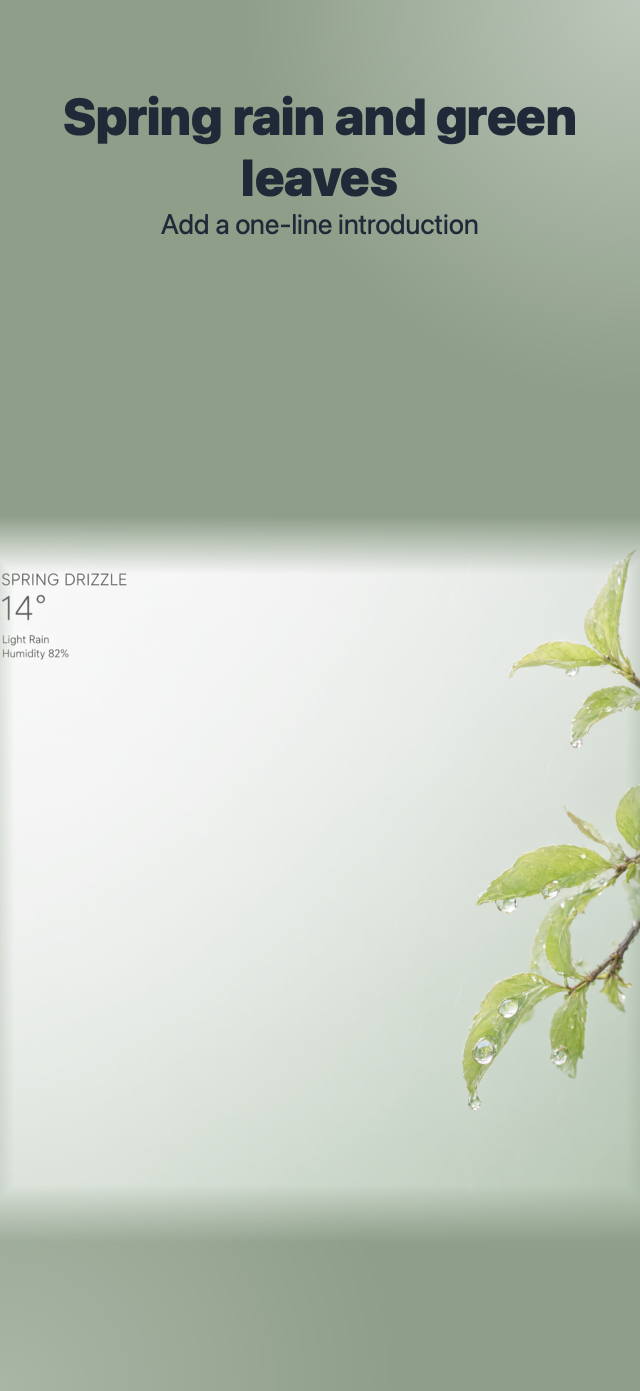
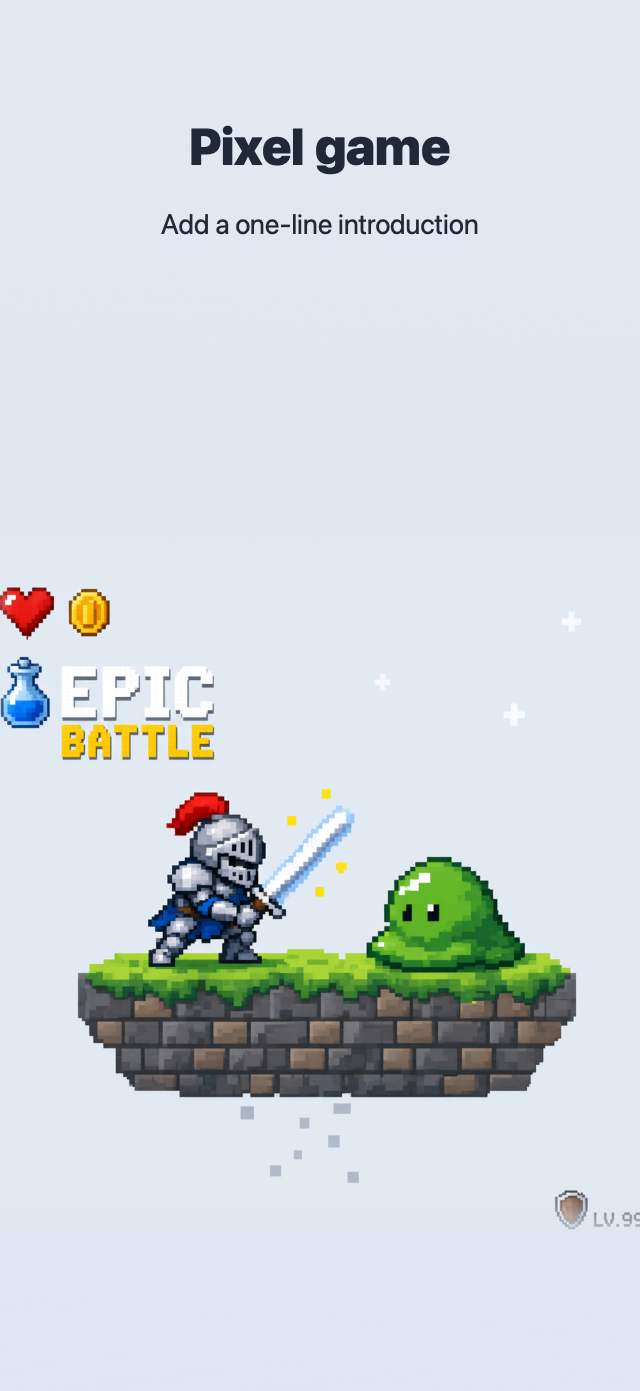
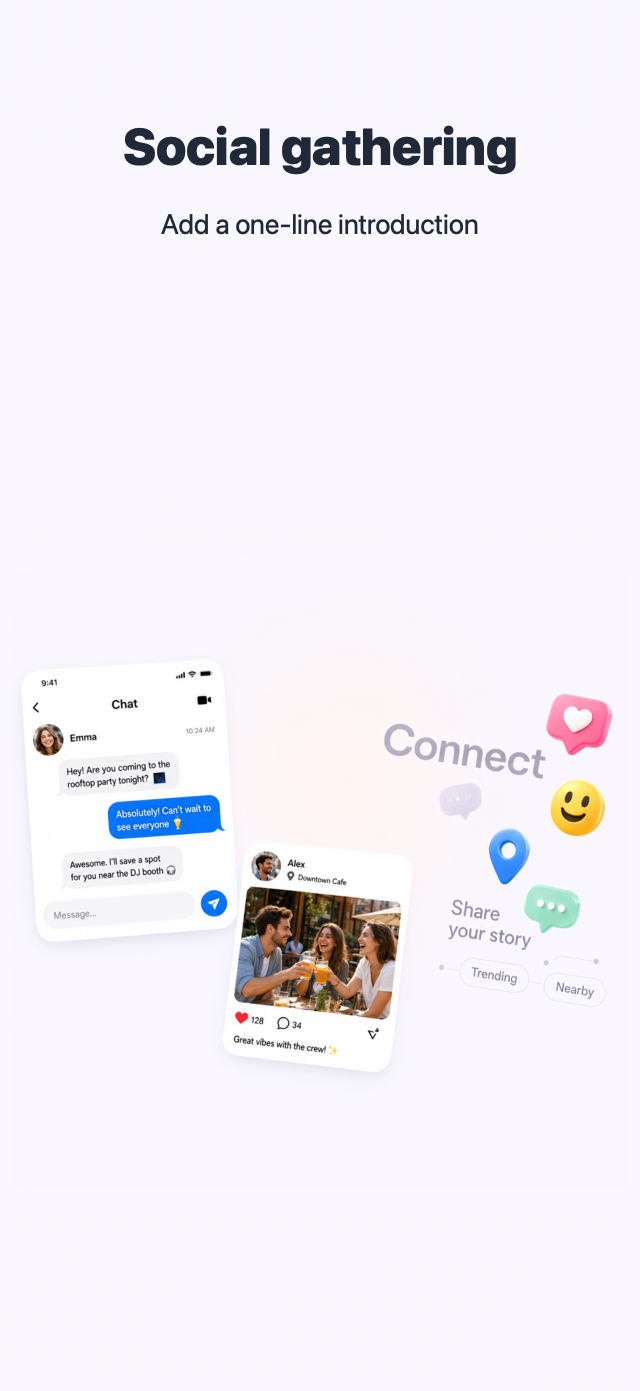
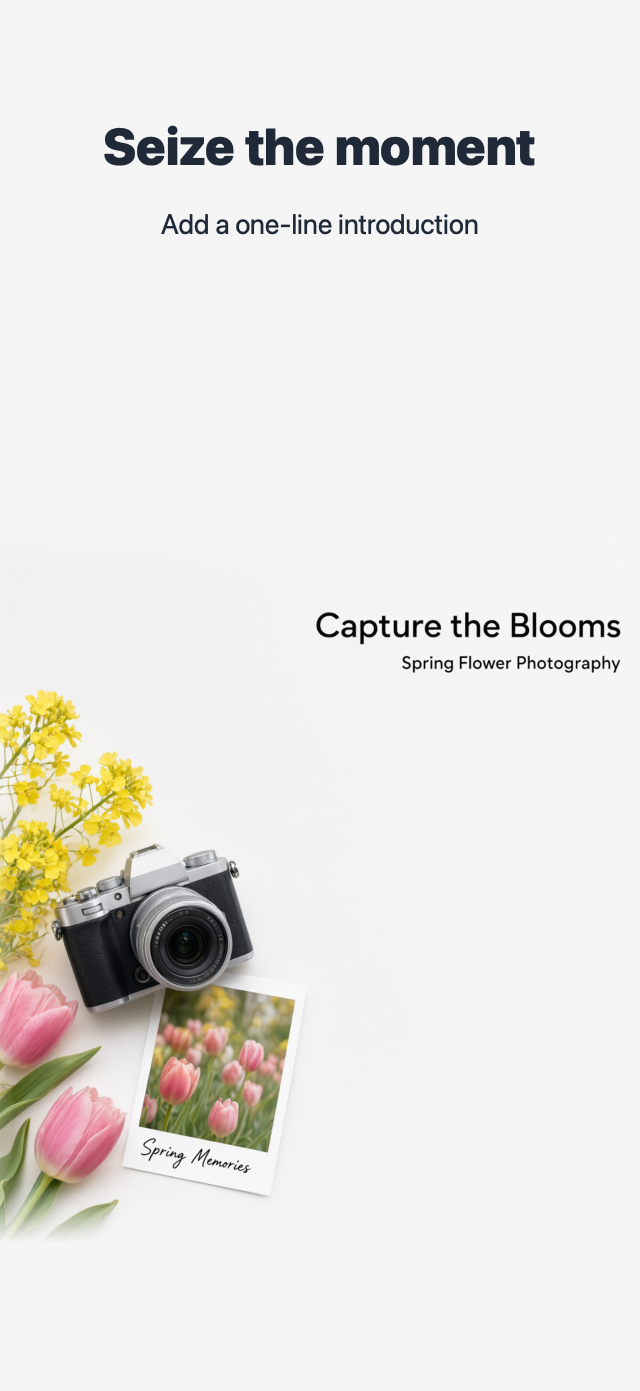
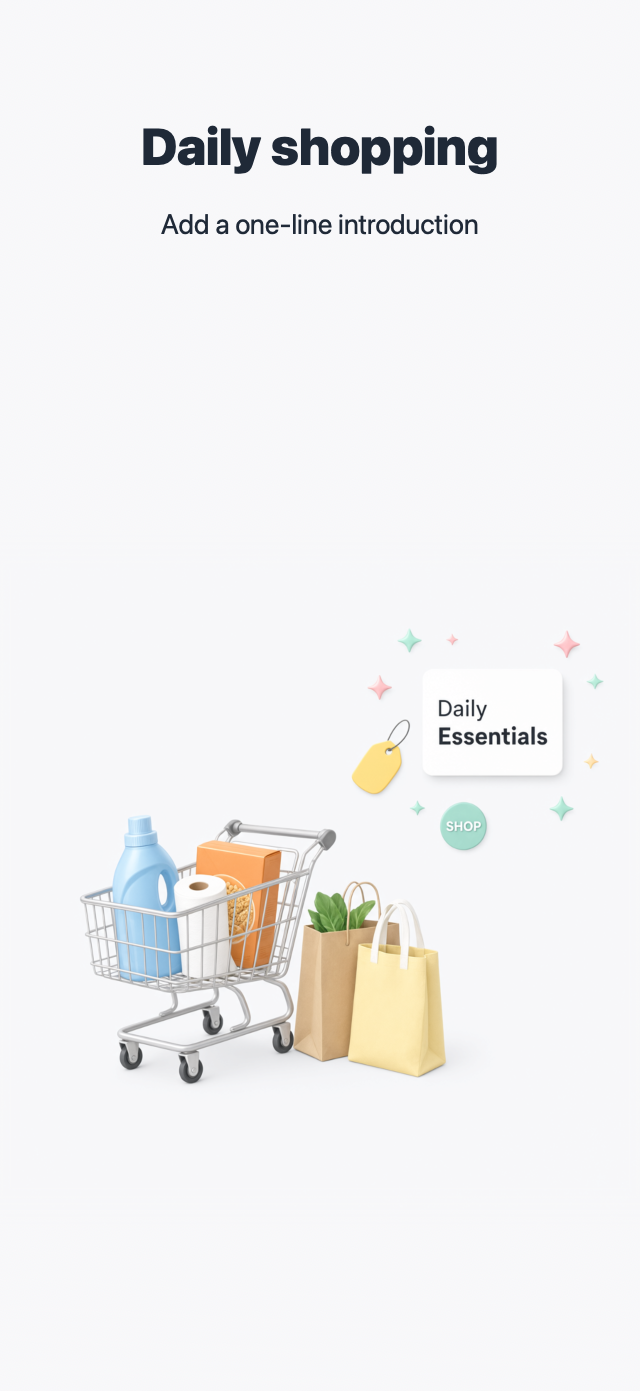
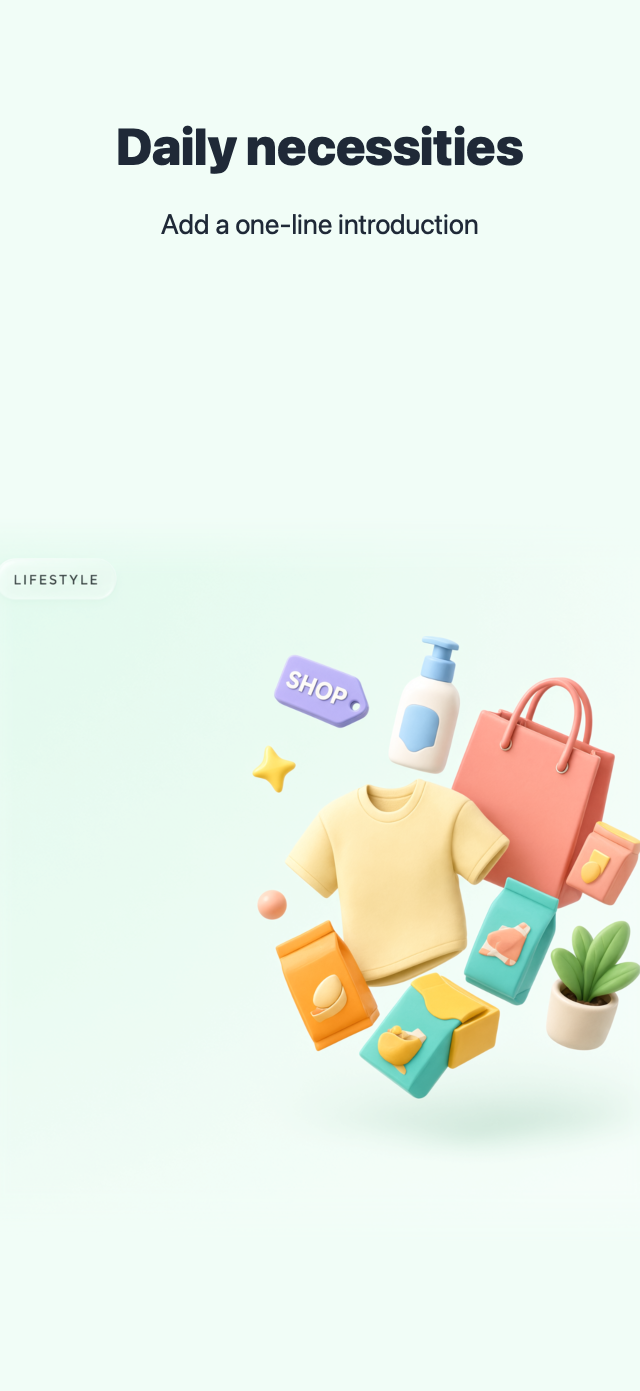
All 46 built-in templates, rendered with the app’s own SwiftUI renderer (iPhone portrait). Categories and order match the in-app grid; the cover page of each set is shown.
Gradient
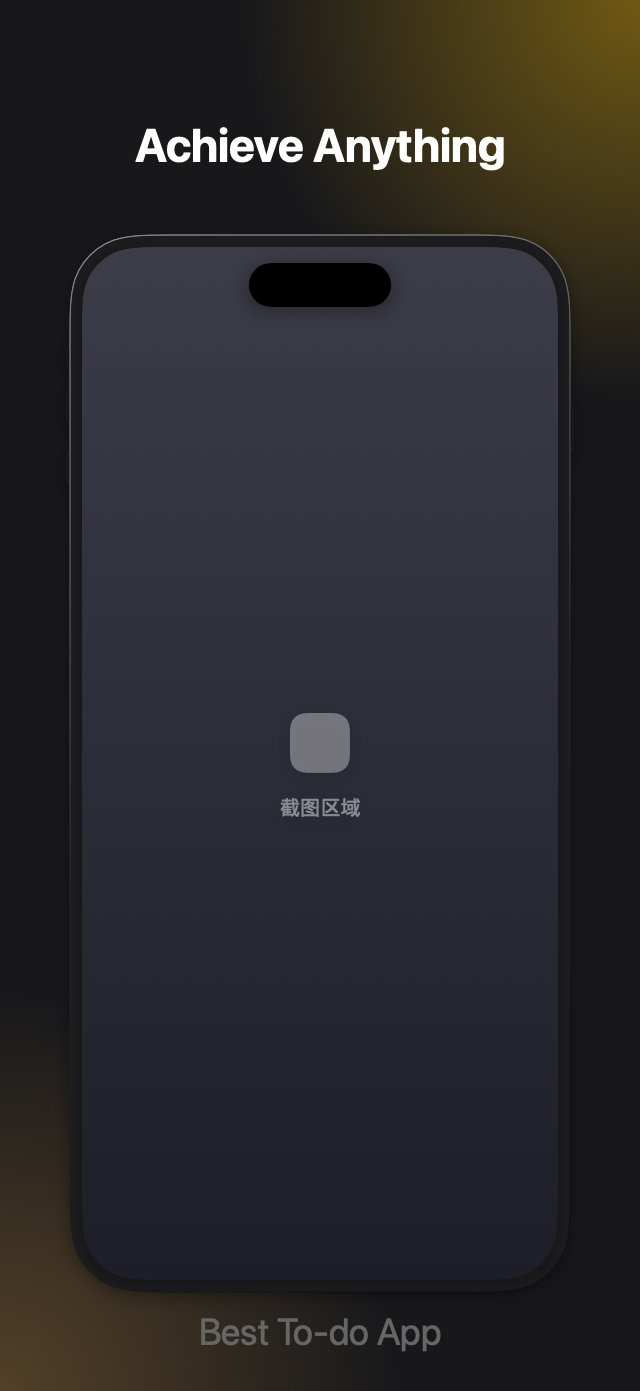
Solid Color
Starry Dots
Health & Fitness

Lifestyle

Education


Utilities

Sports

Books

Food & Drink
Business
Weather
Travel

Games
Social Networking
Developer Tools
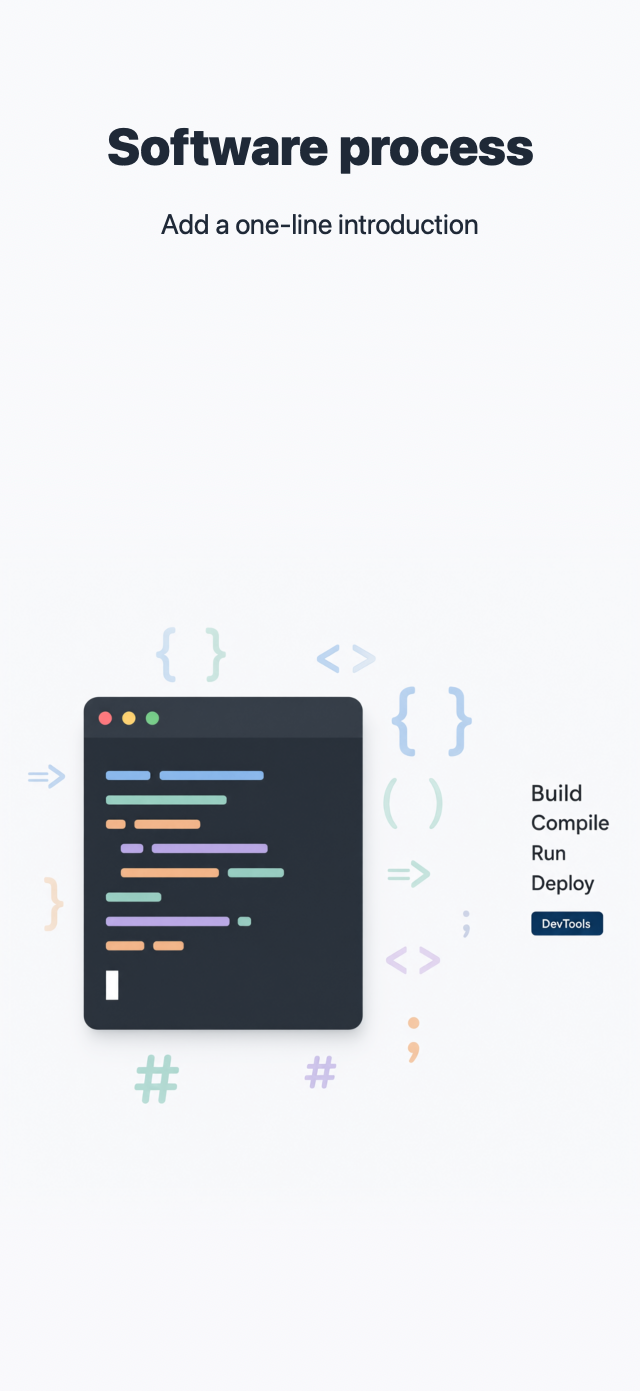
Photo & Video
News & Magazines

Shopping



Questions & Answers
How much does it cost?
The download is free and core features are free. Two optional one-time consumable purchases: template slots set how many custom templates you can keep (deleting one frees its slot), and app slots set how many apps you can unlock for editing (unlocks are permanent). No subscriptions, no auto-renewal — and you can try everything in guest mode before signing in.
Where are my templates and data stored?
Everything stays on your Mac in the app support directory: system templates and assets, your custom templates, the screenshot library and metadata drafts. Your App Store Connect API key lives only in the macOS Keychain. Content is uploaded straight to your own developer account via the App Store Connect API only when you actively tap sync — it never touches our servers.
What do I need to run it?
A Mac running macOS 26 or later. The app is downloaded from the Mac App Store and runs sandboxed.
Which screenshot sizes are supported?
Full App Store sets: iPhone (6.9" primary), iPad (13") and Mac — each template supports portrait and landscape, editable and exportable independently.
Does translation need the network? Is it paid?
Translation runs on your Mac via Apple’s Translation framework — free and unmetered; the system downloads language packs on demand. Your copy is never uploaded to any third-party server.
Which apps can I manage?
Every app under your own App Store Connect account: metadata, store screenshots, and in-app purchase / subscription localizations for iOS, iPadOS and macOS.
Ready for your next release?
Download Store Connect Management free from the Mac App Store and bring your release workflow home.